ONE ACCOUNT · EVERY SCREEN

Download IB Player Pro

Install the app on your device, start your free trial and add your own playlist. Your plan and playlists follow you to every device you sign in to.

Android TV · Google TVFire TVAvailable now

IB Player Pro for Fire TV & Android TV

Install it in under a minute with the free Downloader app — then link your TV to your account and start watching your own playlist.

Downloader code2817724or type ibplayerpro.com/tv
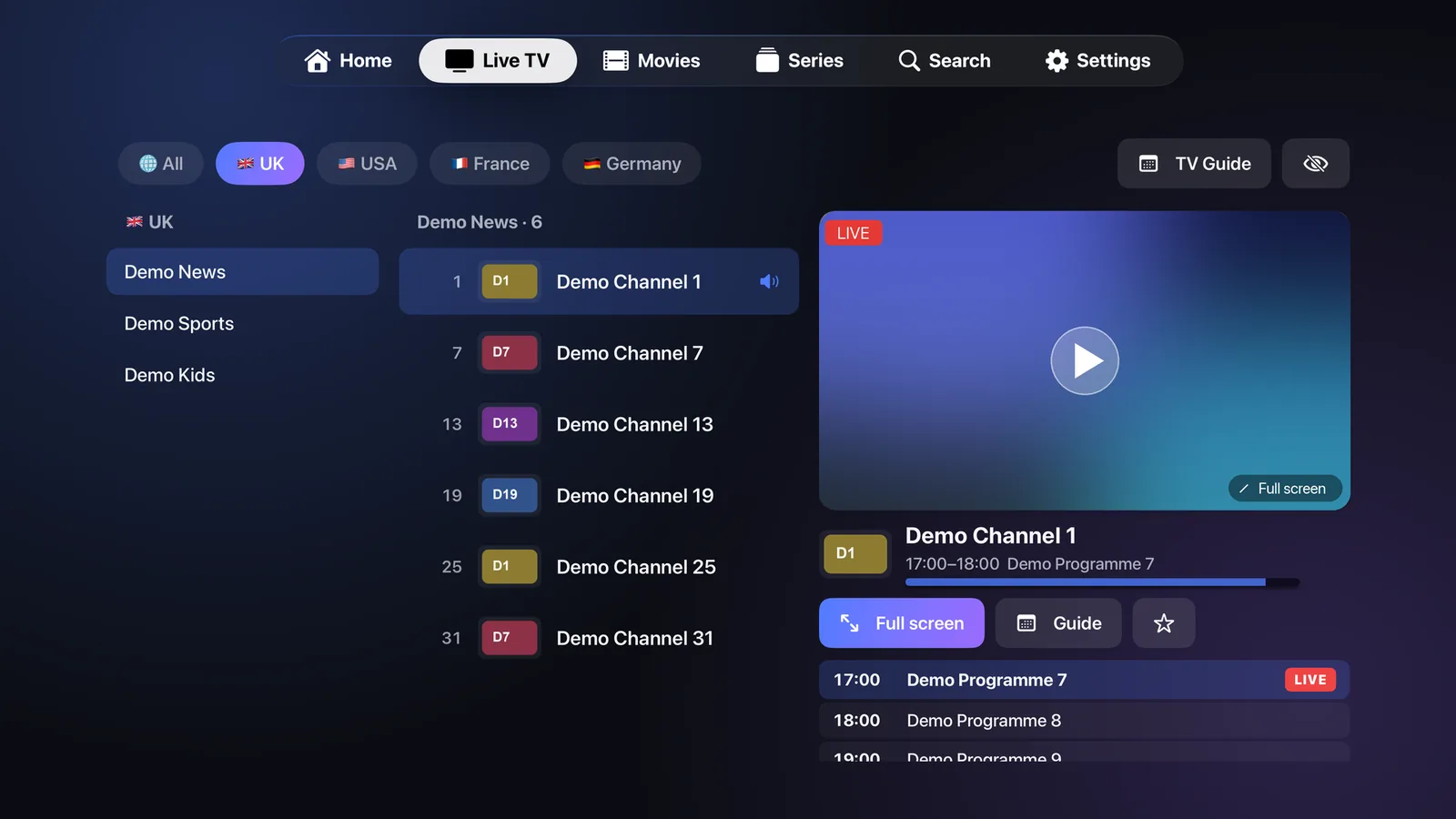
Version 1.0.0 · 62.4 MB · Updated 17 Oct 2026

FIRE TV · ANDROID TV · GOOGLE TV

Install on Fire TV & Android TV

Use the free Downloader app to install IB Player Pro on a Fire TV Stick, Fire TV Cube, Android TV or Google TV box.

Open Downloader → typeibplayerpro.com/tv
Download APK

Version 1.0.0 · 62.4 MB · Updated 17 Oct 2026

  1. Install Downloader. On Fire TV, search for “Downloader” in the Amazon Appstore and install it. On Android TV and Google TV, get it from Google Play.
  2. Allow unknown apps for Downloader. Fire TV: Settings → My Fire TV → Developer options → Install unknown apps → Downloader: On. (No Developer options? Open My Fire TV → About and select your device name 7 times.) Android TV: Settings → Apps → Security → Unknown sources → Downloader.
  3. Enter the link. Open Downloader, type ibplayerpro.com/tv and select Go, then Install.
  4. Open IB Player Pro. Sign in or start your free trial, then add your own playlist. IB Player Pro is a media player only and does not include any channels or content.
Step-by-step guide with pictures for Fire TV, Android TV & Google TV

Install the app

Choose your device above, or watch online on this website. Every app uses the same IB Player Pro account.

Sign in or start a trial

Create your account in the app or on this website — the free trial unlocks everything.

Add your playlist

M3U link, Xtream Codes or a file. Add it once and it appears on all your devices. IB Player Pro never provides content.